Integrating with DocuSign
If you use DocuSign to create and send contract templates to your creators, you can directly integrate DocuSign with GRIN to load, send, and save your contract templates directly within your Activations. You can learn how to integrate with this article.
Note: This is a premium feature in GRIN, meaning it is only available with a paid subscription to GRIN. By default, the integration will have a Request button in GRIN, which notifies our support team that you’d like the integration enabled.
After you click to request the integration, a representative from GRIN will reach out to you.
What You'll Need
An existing DocuSign account
How to Do It
1. Navigate to Account > App Marketplace.
2. Find the DocuSign integration by either:
Searching “DocuSign” in the search bar
Navigating to the Document Management app category
3. Select Connect. This will open a new DocuSign window to log in to your DocuSign account.
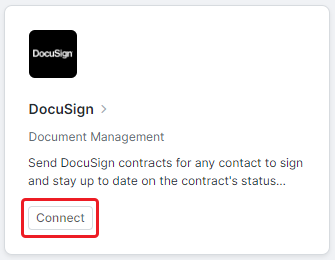
4. Complete the login process for your DocuSign account. You may be prompted to verify your account as well.
Your DocuSign account should now be integrated with GRIN. The DocuSign app card will also show that you’ve connected an account.