Required WooCommerce Settings to Create Orders from GRIN
The following article will take you through the settings required in WooCommerce in order to be able to create orders in GRIN.
What You'll Need
Admin access to your WooCommerce account.
How to Do It
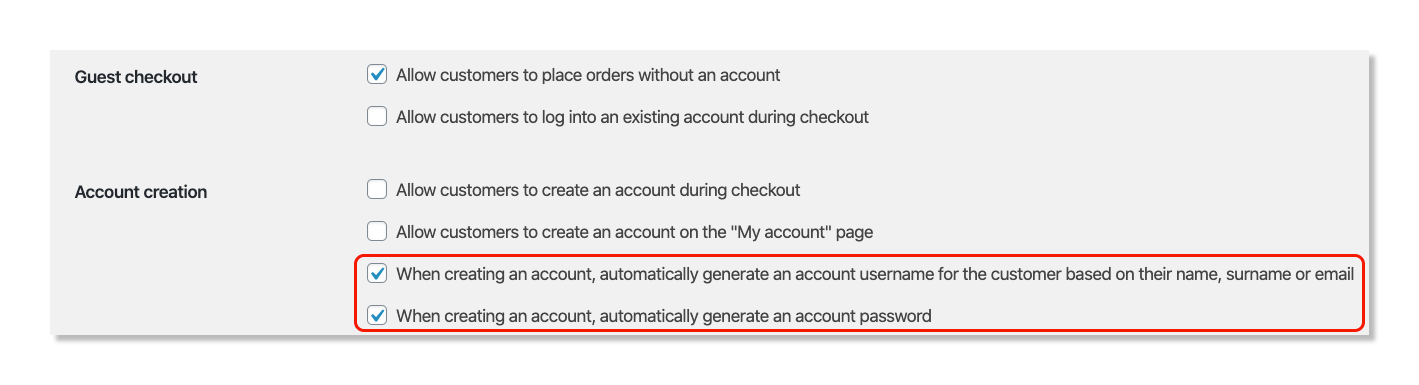
1. Log in to your WooCommerce account.
2. Click on WooCommerce from the side menu and select Settings.
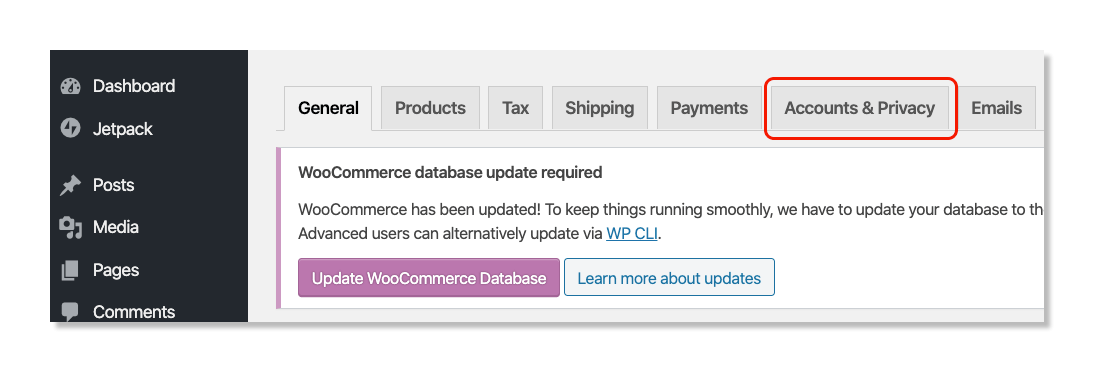
3. Click the Account & Privacy tab.
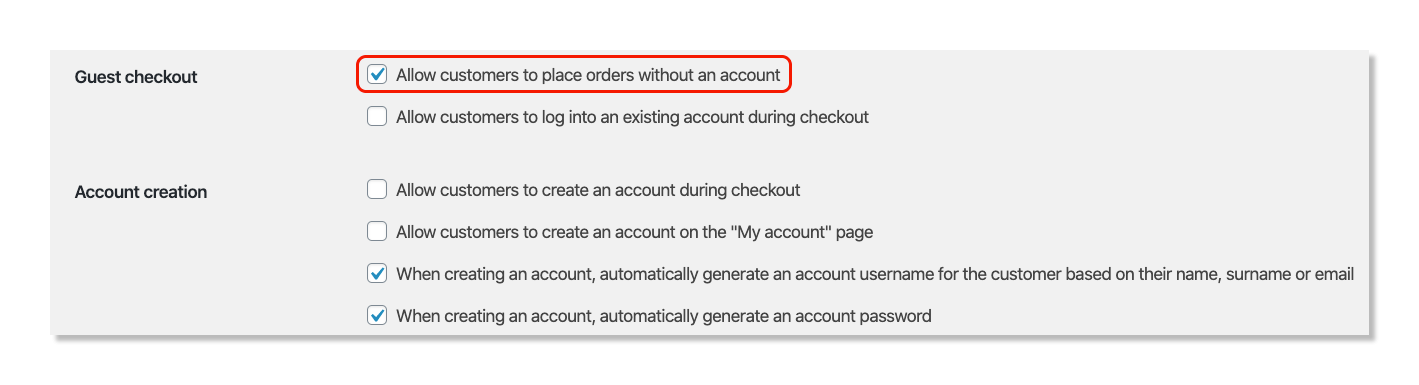
4. In the Guest checkout section, select Allow customers to place orders without an account.
5. Under Account creation, select When creating an account, automatically generate an account username for the customer based on their name, surname, or email, and When creating an account, automatically generate an account password.