
Single Session Logins
Single Session login establishes control to your GRIN account by allowing only one user to be logged in at a time. This security feature can prevent leaving your account logged in on other devices, and prevent different users from overwriting each other.
What You'll Need
Single Session is enabled on your GRIN account by default.
How to Do It
Single Session does not affect multiple tabs within one browser, but will affect multiple browsers on one device.
If another user logs into your GRIN platform from a different device or you log in from a different browser, a pop-up will appear on the second device giving them the following options:
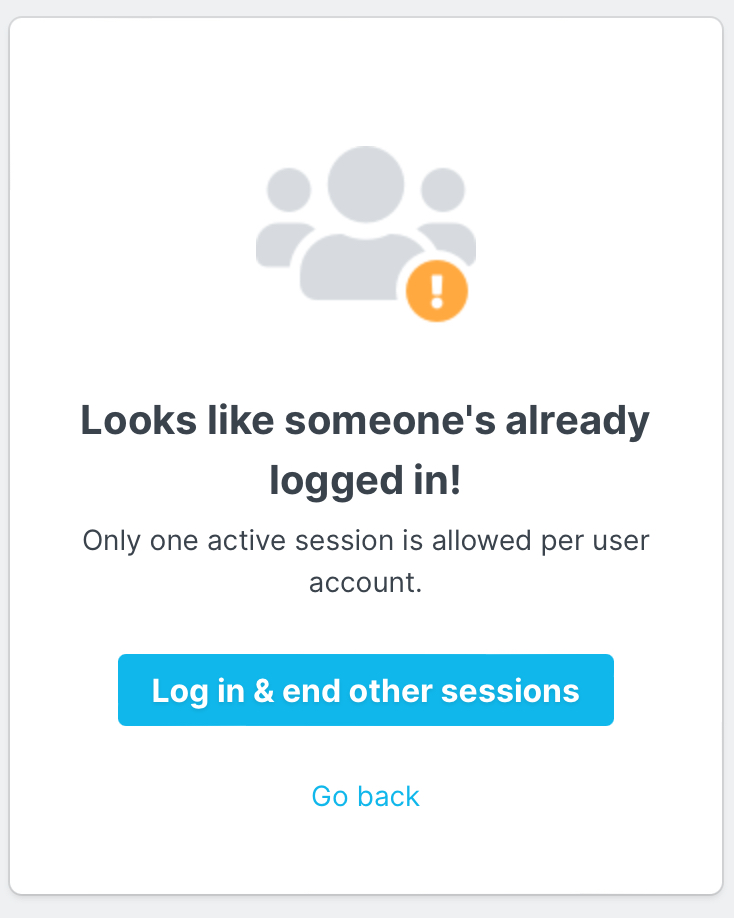
If desired, they can select Log in & end other sessions. This will log you out of your GRIN session.
Troubleshooting
If you need additional logins on your GRIN account, reach out to your Account Manager.