
Connecting Your Brand's Instagram
Overview
By connecting an Instagram account to a Brand in GRIN, you ensure that you can:
Access Social Listening
View creators' content previews in Instagram Creator Search
What You'll Need
A public Instagram account, such as a Business or Creator account. You can learn how to set up an Instagram account in Meta's documentation:
A Brand in GRIN. You can learn how to make one with our article Creating your Brand.
How to Do It
1. Navigate to Brands and select Edit Brand on the Brand you want to connect an Instagram account to.
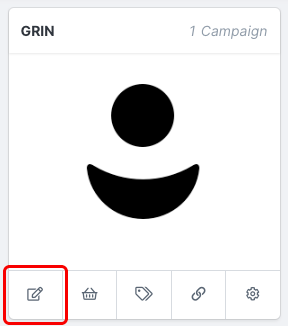
Select Edit Brand to access settings.
2. Select Step 4. Social Accounts.
3. Select Connect on Instagram.
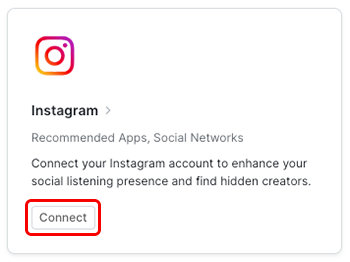
Select Connect to add your Instagram account information.
4. Add your brand's Instagram username and select Connect.
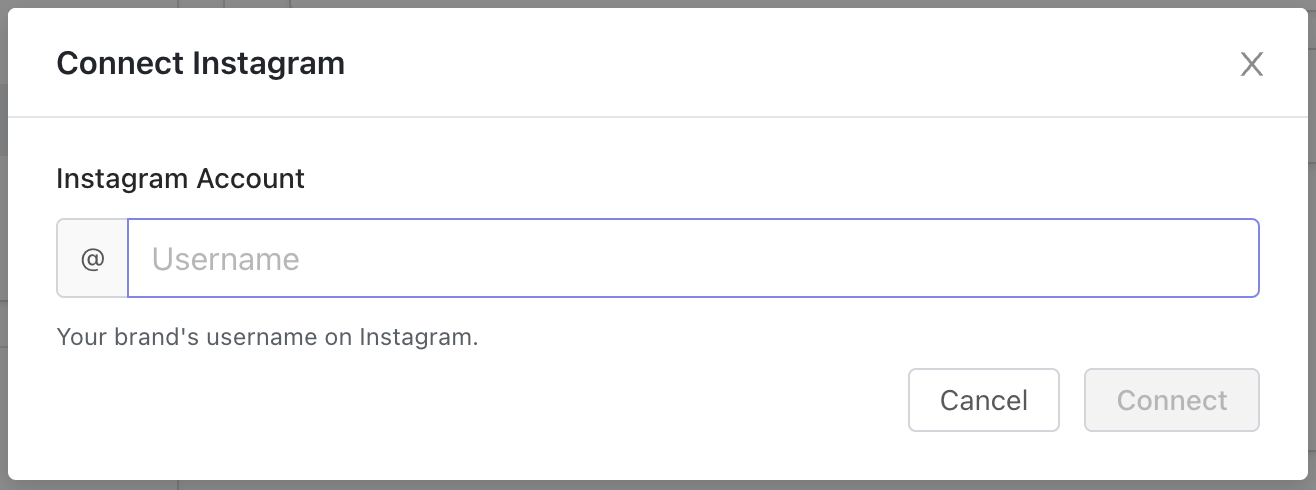
Enter your Instagram account username in the module that appears.
5. The account will appear in the list of Social Accounts once successfully added.

Example of a connected Instagram account.
Note: The connection might take a few seconds to appear in the Social Accounts section in GRIN. You will see the option to disconnect once a successful connection is made.
Conclusion
Your brand's Instagram is now connected to GRIN. Make sure you finish setting up your Brand with our article Creating your Brand!