
Creating Live Site Domains
Overview
If you would prefer your creators to see a domain that displays your brand name when using their Live Site to submit a proposal, follow the steps below.
What You'll Need
Admin permissions.
How to Do It
1. Navigate to Account > Settings > Domain Management.
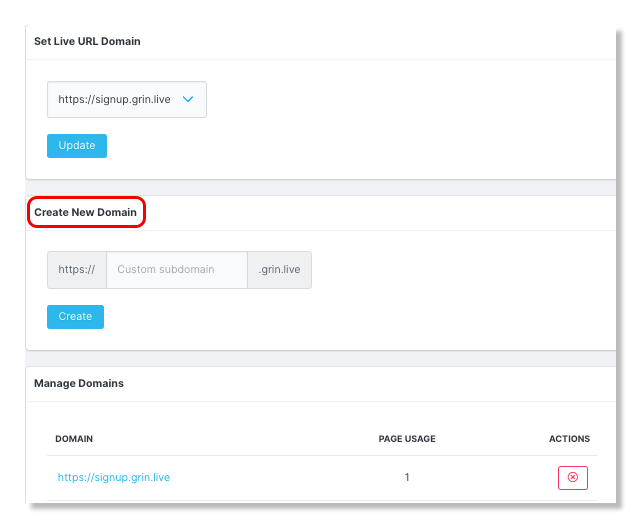
2. In the Enter New Domain section, enter the new domain you'd like to create.
Note: You can only use letters, numbers, or dashes when creating a domain.
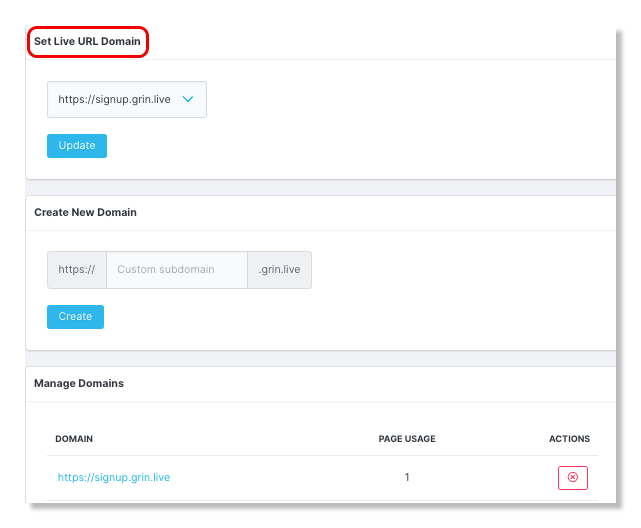
3. In the Set Live URL Domain, select the newly created domain to change your current domain to the one you just created.
Conclusion
That's it! Your new Live Site domain is set up. Now, creators will see your custom domain whenever they navigate to the Live Site for your brand. You can continue to create additional domains and review them in the Manage Domains section. If you ever want to remove a domain, you can select the Delete button next to each domain.