Reviewing Creator Revenue and Paying Commissions Through Partnerships
This guide will take you through how to review the conversions in a partnership that are made from the use of a discount code or affiliate link assigned to the creator in that partnership. The guide will also go over how to pay out commissions.
What You'll Need
A Partnership with at least one recorded conversion.
Available creator funds.
How to Do It
Check out the sections below to learn how to review and pay commissions in a Partnership.
Review Your Creator Partnership Revenue
1. Click on Program > Partnerships.
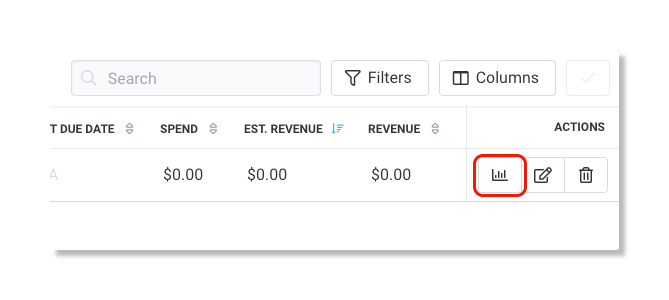
2. Under the Actions column, click on the Manage Partnership icon.
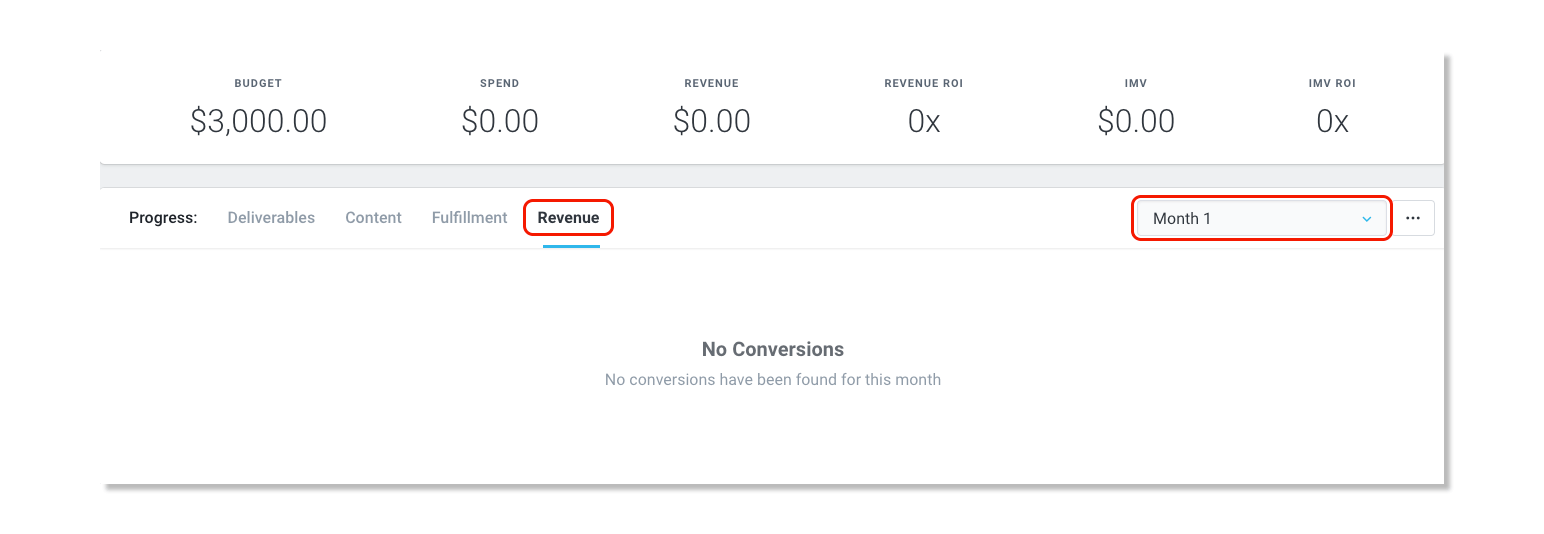
3. In the Progress tab, click on Revenue and then select the Month of the partnership you would like to review the revenue.
Pay Out Commissions for Creator Conversions
1. Click on Program > Partnerships.
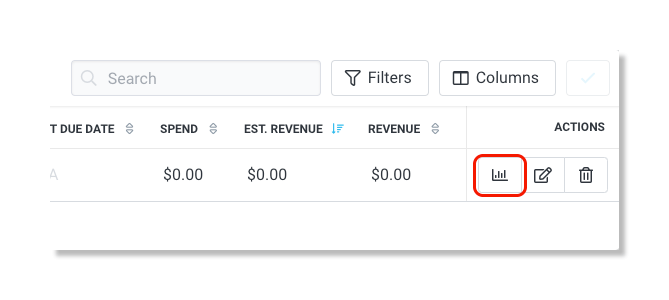
2. Under the Actions column, click on the Manage Partnership icon.
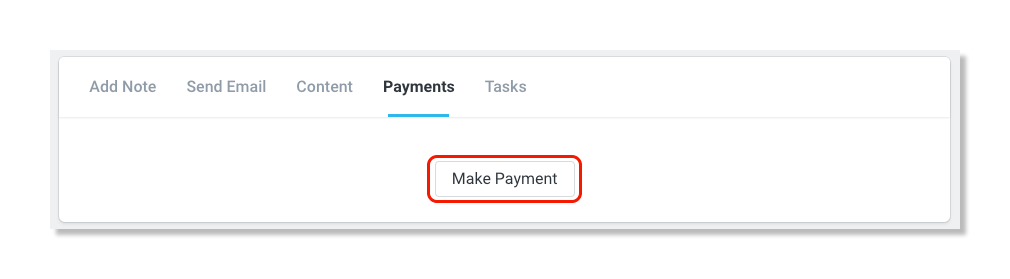
3. In the section next to About this Partnership, click on the Payments tab.
4. Click on Make Payment and select the conversions you'd like to pay out.