
Viewing Payment History
Payments you've made to creators from the Make Payments page will be recorded and tracked in your Payment History. This page lets you filter your past payments, cancel payments, and view further details about each creator you've paid.
How to Do It
Go to Program > Payments, then select Payment history in the top right of the page.
There is no menu item called Make Payments and no menu item called Payment History. Both are reached from Program > Payments. The breadcrumb then reads Payments > Payment History, and the table on the page is titled Payment Batches.
Your Payment History displays:
Cash payments
Offline payments
Canceled payments
Payment batches appear in their own row, and each batch is determined by the time the payables were created. This means that you can have one batch with one or more payment items, and you can also have multiple batches appear for the same creator.
You can filter your history with the following:

Search: Search for payments by names of creators they were paid out to.
Filters: Filter results by different properties, including your Custom Properties.
Hover over a creator to display individual row actions:

Manage: Open the creator's Creator Contact Profile.
Content: Open a side panel with a preview of that creator's content on social media.
Cancel Payment: Cancel all payment items in that batch.
You can also select multiple creators to enable bulk actions:
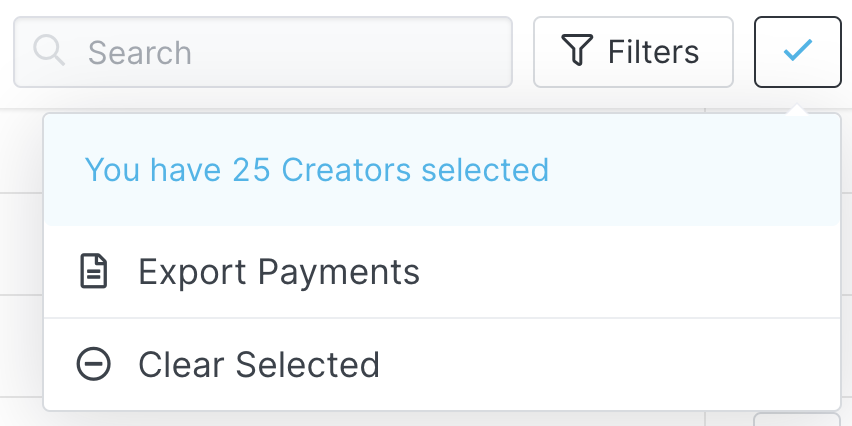
Export Payments: Export your selected creators and their payment history as a CSV file.
Clear Selected: Clear your selections.