
Managing the Affiliate Workflow
Managing the affiliate workflow involves ongoing tasks such as updating commission rates, assigning additional codes or links, and monitoring creator activity. This ensures that your program scales efficiently as more creators join.
Finding Affiliates
As you scale your affiliate program, utilize the filters to quickly find the creators you're managing.
Pending Tab
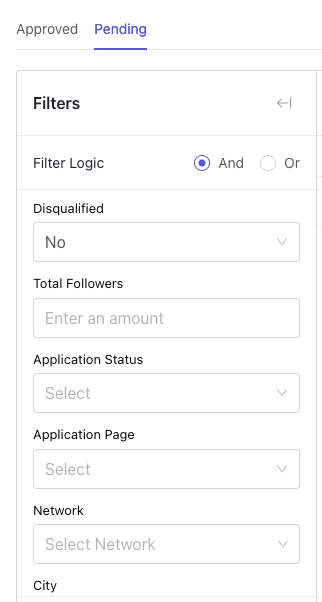
The following filters are available in the Pending tab: Disqualified, Total Followers, Application Status, Application Page, Network, City, State, Country.
Approved Tab
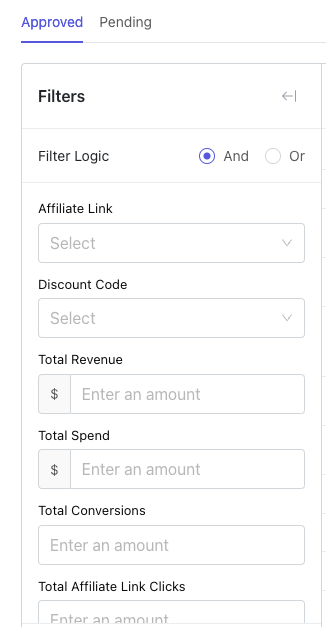
The following filters are available in the Approved tab: Affiliate Link, Discount Code, Total Revenue, Total Spend, Total Conversions, Total Affiliate Link Clicks, City, State, Country, Last Conversion Date.
Update Commission Payout
Commission payouts can be adjusted for creators individually. Select a creator in the main affiliate hub view to see the Change Commission button, which lets you choose which link or code to change the commission for.

Creator View
Click on a creator and navigate to the Affiliate Codes and Links tab to manage their individual affiliate settings and commission rates.